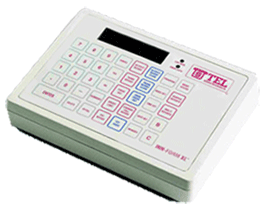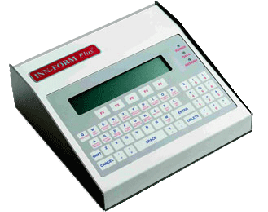
DOCUMENT #2080 CHIP INSTALLATION PROCEDURE IN THE INN-FORM/PLUS OR EXECUTIVE READ AND FOLLOW THESE STEPS CAREFULLY Step #1 Go into management access and run PROGRAM #10, PROGRAM #20 and PROGRAM #32. Also print out a Multi Report #7. These printouts clearly show the on site programming that was done and can be referenced when re-programming the system after chip installation. Step #2 Run any reports that you need on the call records stored in the memory of the system. *** THIS IS VERY IMPORTANT *** because all the call records will be erased after the installation of the new chip(s). Step #3 UNPLUG the call accounting system from the printer, the telephone system and the power source. Turn the system over and locate the slide open panel. Remove the screw and slide the panel to the side. Step #4 There will be one large chip in a socket. This is the data chip. Remove the old data chip from the socket carefully and place the new data chip in the socket. Slide the panel back in place and tighten the screw. Step #5 Remove the screws on the bottom of the system that hold the top/keyboard of the system in place. Turn the system over and with the keypad facing you use your thumbs to press down and toward the back of the system to open. Gently fold open the top of the system. Be careful not to disturb the cables going from the circuit board to the keyboard. Locate the old firmware chips. The chips will have a stickers on them (marked U25 & U26). Notice which direction the notch on each chip is facing. Remove the old firmware chips and place the new firmware chips (also marked U25 & U26) firmly in their corresponding sockets. Make sure the notches are facing in the correct direction. Step #6 Before closing the system check and make sure all ribbon cables are secure. Carefully put the system back together. Step #7 Plug the INN-FORM/PLUS back into the power. If the chip(s) have been installed correctly the call accounting system will show time and date in the display. Step #8 Go into management access, press PROGRAM #248 and ENTER. Press the red reset button on the back of the system. Program #248 causes the system to initialize and read the information from the new chips. The system will print out a program #10 and the re-initialization message. Step #9 Re-program any on-site parameters (ie grace periods, surcharges, mark-ups, etc.). The system is now ready to process call record information.